
 01
01YOUTH / 01
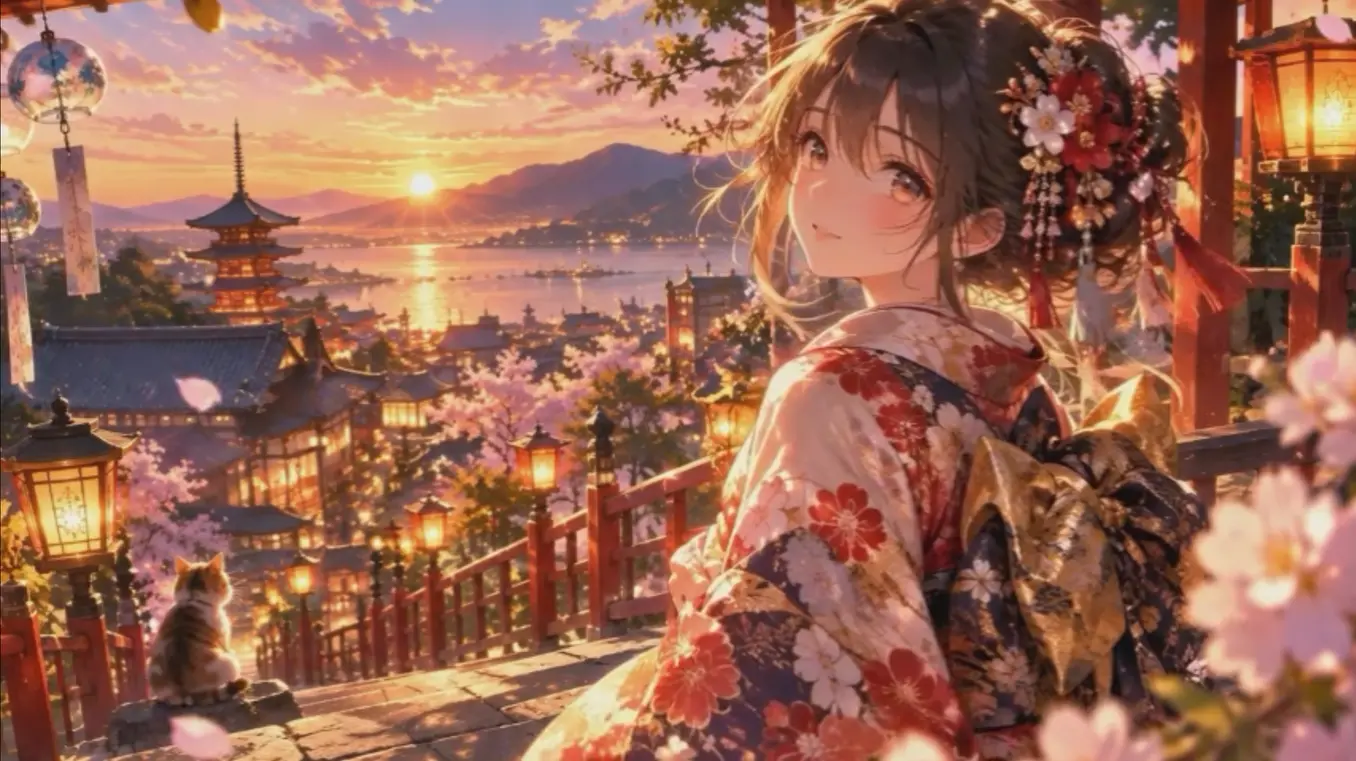
The walk home
Keep an unspoken sentence in evening light and two long shadows. The example shows why a simple dusk direction can add time and temperature without repainting the character's expression or the page's composition.
MANGA COLORIZER / 01
Your imagination becomes stories
Manga Coloring is an AI manga colorizer for colorizing black-and-white manga online while preserving line art, shading, characters, backgrounds, and original details.

MANGA TOOLKIT
When a page needs more than color, choose a focused workflow for translation, filtering, cleanup, restoration, or upscaling.
 AI Manga TranslatorUpload one manga image, choose the target language and preview mode, then review a generated translation draft before proofreading or final typesetting. Unlike the remover, which only clears text, the translator carries dialogue and sound effects into a new language with the artwork intact.
 AI Manga FilterUpload a photo, portrait, character image, or illustration and change its visual rendering into a manga-style treatment without turning the task into a new composition.
 AI Manga CleanerClean a scanned manga page before lettering, restoration, or upscaling. The tool targets scan defects rather than redrawing the artwork. Unlike restoration, which repairs physical damage, the cleaner targets only non-artwork noise such as dust, gray paper, and moiré.
 AI Manga Text RemoverCreate a clean working image for re-lettering or translation by removing visible text glyphs and reconstructing only the smallest area directly covered by lettering. Unlike the translator, which replaces words across languages, the remover clears lettering to leave clean balloons for re-lettering.
02 / COLORING RESULTS
Latest Generated Results
01The walk home
Keep an unspoken sentence in evening light and two long shadows. The example shows why a simple dusk direction can add time and temperature without repainting the character's expression or the page's composition.
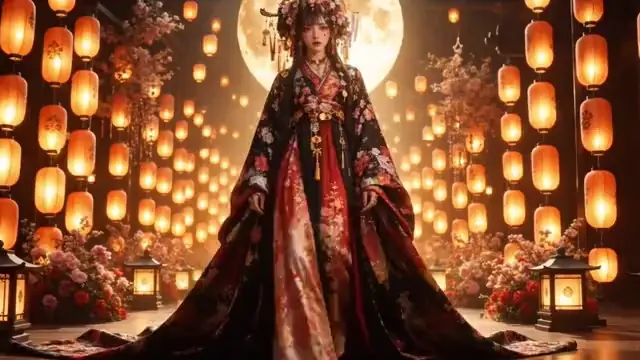
 02
02Before the coffee cools
Leave the next part of the conversation on a quiet table. A cooler window, warm skin tones, and a small pool of light can separate foreground and background while preserving the quiet rhythm of the original lines.
 03
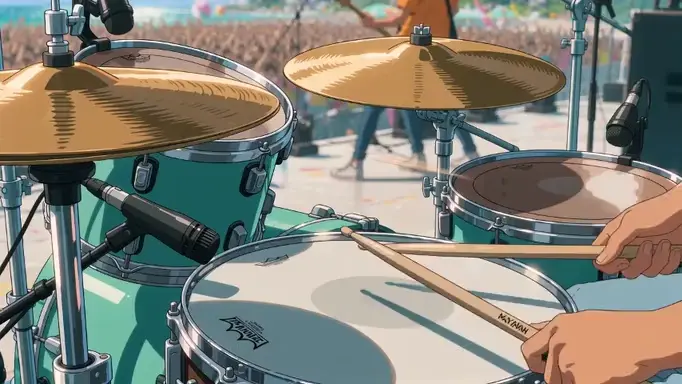
03Sound beyond the clouds
Imagine what cannot be seen, all the way beyond the page. A blue-violet sky and controlled highlights can suggest scale and atmosphere, but the line drawing still decides where the viewer looks first.
03 / SMALL STORIES
Manga Coloring examples are not about competing finished pictures. They begin with the small change between a line drawing before color and the same scene after. Use the prepared comparisons to understand how a restrained palette, watercolor softness, or cinematic light changes the feeling of a panel while the original drawing remains the anchor.
01Keep an unspoken sentence in evening light and two long shadows. The example shows why a simple dusk direction can add time and temperature without repainting the character's expression or the page's composition.
02Leave the next part of the conversation on a quiet table. A cooler window, warm skin tones, and a small pool of light can separate foreground and background while preserving the quiet rhythm of the original lines.
02 / THE COLORING FLOW
Do not lock the finished look too early. Make three small decisions while keeping the drawing in control.
UPLOAD / LINE ART
Choose a black-and-white page where the line, shadow, and composition are easy to read. The original drawing stays the anchor.
COLOR TEMPERATURE
Try sunset coral, paper ochre, or window blue. Compare the presets and choose the atmosphere that belongs to the page.
BEFORE / AFTER REVIEW
Place the line art beside the color result. Keep the version that preserves the expression, contours, and depth of the background.
 Original
 Color
ColorCompare the original line art with each coloring direction and choose the atmosphere that fits your page.
04 / WHY MANGA COLORING
Try a color direction without covering the pen work that gives the page its character. The goal is not to turn a manga page into a generic illustration: contours, hatching, expressions, speech balloons, and the rhythm of the original drawing should remain legible.

Soft watercolor, sunset, midnight blue. Find the atmosphere that fits one page with a short note about light, material, weather, or time of day. Comparing controlled alternatives is often faster than trying to describe a perfect palette in one prompt.

Check your generation history and credit balance while finding the rhythm of your own manga. Work page by page, keep the source files you have permission to use, and treat each output as a reviewable color draft rather than an automatic final.

05 / FAQ
We collected the questions people ask most often so you can start with confidence.
Manga Coloring colorizes black-and-white manga line art with an image-to-image workflow. It adds color to characters, backgrounds, shadows, and atmosphere while asking the configured model to keep the original line character and composition. The result is a visual draft for review, not a claim that every pixel will be perfect.
PNG, JPG, and WEBP images are supported. Use the clearest page you have, avoid extreme compression, and keep the main lines visible. A page with characters or a background works best when you add a short note about color mood, time of day, material, or light direction.
The style selector currently contains 24 published coloring styles, including Preserve the original, Hand-drawn animation, and 3D cel shading. Published styles can change over time, so the selector and examples on this page are the current list.
Yes. Generation uses the image model configured by the administrator and runs image-to-image coloring while preserving the original line art and composition. The public interface exposes the coloring direction, while provider and model selection remain controlled by server settings.
When you start coloring, the selected image is sent to Manga Coloring's processing storage and the configured image model. Upload only images you have permission to use, and avoid personal or confidential material that you do not want processed by an external model provider.
Not currently. Each generation accepts one line-art page so you can review the result before continuing. Working page by page also makes it easier to keep a character, location, or lighting decision consistent across a sequence.
Yes. Successful results can be downloaded from the output panel and reviewed again in your account history. Keep the original page and the selected direction with the download if you are building a larger chapter or handing the result to an editor.
Manga Coloring supports English, 日本語, 한국어, 简体中文, 繁體中文, Español, Português (Brasil), Français, Deutsch, and Italiano. English uses the root public URL, and every other language has its own locale-prefixed URL. Use the language switcher to open the same manga coloring workflow in another supported language.


